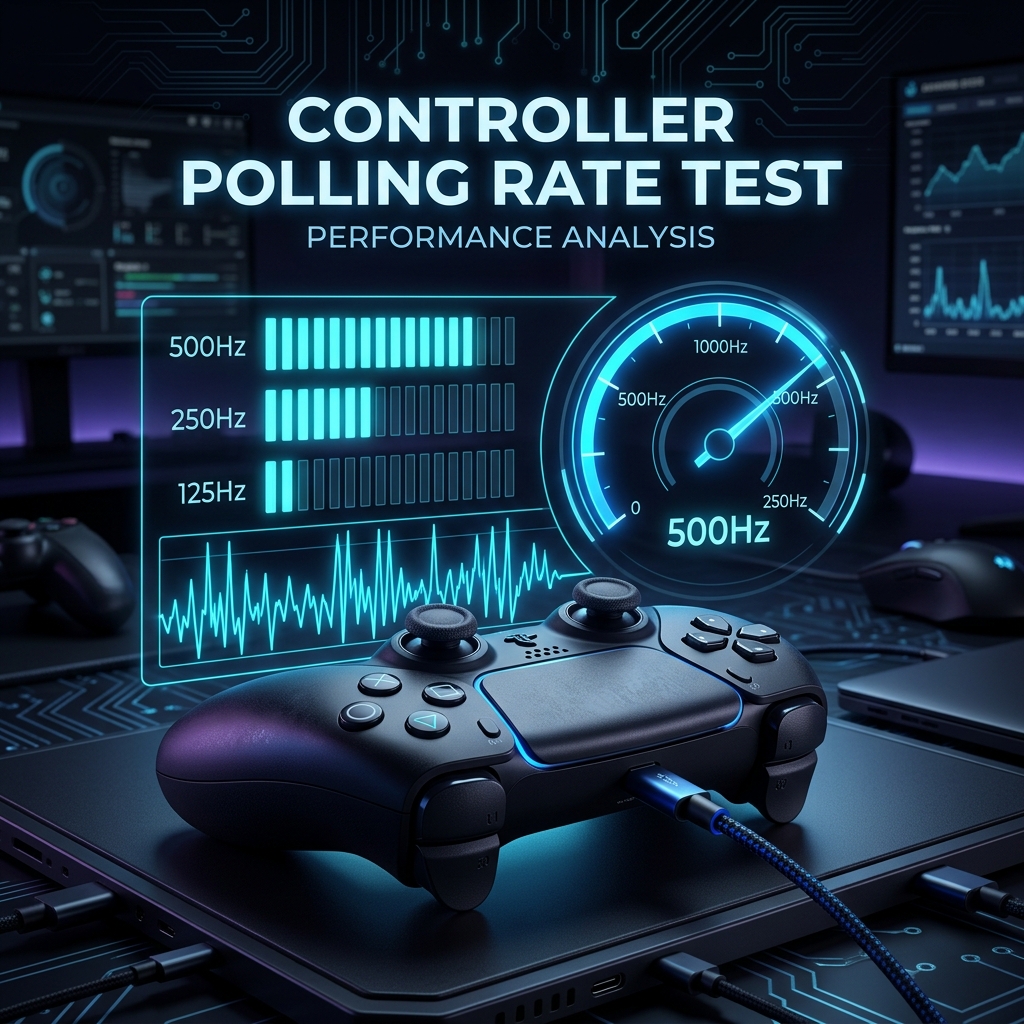
If your controller feels slightly delayed or inconsistent, especially in fast-paced games, the cause is often polling rate, not the controller itself. GamepadTesterPro measures your controller's actual polling rate live, right in your browser, so you can see exactly how often it's reporting input instead of guessing. No downloads, no setup, just a clear number in seconds, with guidance on what it actually means for your gameplay.
What Is a Controller Polling Rate?
Polling rate is how many times per second your controller sends input data to your device, measured in Hertz. A higher number means less time between your action and the game registering it. Most controllers report somewhere between 125Hz and 1000Hz, depending on the connection type and the controller itself.
Why Test Your Controller Polling Rate?
Running a quick test with GamepadTesterPro tells you more than a feeling ever could, and it only takes a few seconds to find out.
- Check input responsiveness – see exactly how fast your controller is reporting right now, instead of guessing from how a game feels.
- Compare wired vs wireless performance – test both connections back to back and see the real difference for yourself.
- Diagnose input delay issues – confirm whether lag is actually coming from your controller, or from somewhere else entirely.
- Verify controller performance after updates – make sure a firmware or driver update didn't quietly slow your controller down.
When Should You Test Your Controller Polling Rate?
A polling rate test is worth running at a few key moments, not just when something feels wrong.
- Before competitive gaming, to confirm your setup is performing at its best.
- After buying a new controller, to know its real polling rate from day one.
- When experiencing input lag, to rule polling rate in or out as the cause.
- After changing USB cables or adapters, since these can quietly lower your effective rate.
How to Test Controller Polling Rate Online
- Connect Your Controller – plug in over USB or pair over Bluetooth. GamepadTesterPro detects it automatically.
- Move Sticks or Press Buttons – a few seconds of input is all the tool needs to start measuring.
- View Your Results – your average polling rate appears instantly in Hertz, along with how stable it stayed.
How Controller Polling Rate Testing Works
GamepadTesterPro counts every input report your controller sends each second, whether it comes from a button press or a stick movement, and uses that count to calculate your polling rate in real time. Because the rate can shift slightly from moment to moment, the tool averages several readings during the test instead of relying on a single snapshot. This also lets it flag whether your polling rate stayed steady throughout, or jumped around  which matters just as much as the raw number itself.
Understanding Your Polling Rate Results
125Hz is a common baseline for wireless and Bluetooth controllers, and it's perfectly fine for casual play. 250Hz and 500Hz offer noticeably faster reporting and are common on wired controllers, giving competitive players a real edge in fast-reaction moments. 1000Hz is the fastest tier, found mostly on high-performance wired setups, though the real-world gain over 500Hz is small for most games and only really shows up in precision-heavy titles.
| Polling Rate | Interval | Typical Use Case |
|---|---|---|
| 125Hz | 8ms | Casual gaming, Bluetooth wireless |
| 250Hz | 4ms | Wired controllers, everyday competitive play |
| 500Hz | 2ms | High-performance wired, serious competitive |
| 1000Hz | 1ms | Pro-grade setups, precision-critical titles |
Wired vs Wireless Polling Rate
Wired, USB connections generally support higher and more stable polling rates, since there's no wireless signal to interpret along the way. Bluetooth controllers tend to report a bit slower and can dip occasionally under interference from other nearby devices. For competitive play, wired is the safer, more consistent choice; for casual gaming, either connection works just fine.
Common Polling Rate Problems
A low or unstable polling rate is usually caused by an outdated USB port, a worn cable, or Bluetooth interference rather than the controller itself failing. Older USB ports running at lower speeds, or a cable that's been bent or stressed over time, can quietly cap your polling rate without any obvious sign. Input delay can also happen separately from polling rate, caused by lag elsewhere in the connection chain. Running a test with GamepadTesterPro helps you isolate exactly which one you're actually dealing with before you start swapping hardware or blaming the controller itself.
Supported Controllers
GamepadTesterPro works with PS5 DualSense and PS4 DualShock controllers, Xbox One and Xbox Series controllers, Nintendo Switch Joy-Cons and Pro Controllers, and most generic PC gamepads, tested over both USB and Bluetooth. Third-party controllers are generally supported too, as long as your browser can detect them through the standard Gamepad API.
Supported Browsers
The tool runs on any modern browser that supports the Gamepad API, including Google Chrome, Microsoft Edge, Opera, and Brave.
Why Use GamepadTesterPro?
Results show up in real time, with nothing to install and no account ever required. Every test runs locally in your browser, so nothing about your controller or your results is stored or sent anywhere, and you can test as many times as you like, completely free, on any controller you own.
Frequently Asked Questions
What Is a Good Controller Polling Rate?
250Hz and above works well for most games. Competitive players often look for 500Hz or higher, while 125Hz is still fine for casual play.
Is Higher Polling Rate Always Better?
Generally yes, since it reduces the time between your input and the game's response. The improvement becomes smaller and harder to notice once you're already above 500Hz.
Does Bluetooth Affect Polling Rate?
Yes, Bluetooth typically reports at a lower and slightly less stable rate than USB, due to how the wireless protocol packages and sends data.
Can Polling Rate Reduce Input Lag?
It reduces one part of the overall delay, but connection type, hardware, and the game itself all play a role too.
What Polling Rate Does a PS5 Controller Use?
DualSense controllers typically run around 250Hz over USB, though this can vary slightly depending on conditions.
What Polling Rate Does an Xbox Controller Use?
Xbox controllers generally report around 125 to 250Hz, depending on the model and whether you're connected wired or wirelessly.
Is This Test Free?
Yes, completely free, with no signup and no limit on how many times you test.
Why Is My Controller Not Detected?
Usually your browser doesn't have permission yet, or the controller hasn't fully paired. Reconnecting it often fixes this right away.
More Controller Testing Guides
- Analog Drift Test – Detect and Fix Controller Stick Drift
- Stick Drift Test: Check Your Controller for Drift Online
- What Is Stick Drift? Causes, Symptoms, Testing and Fixes Explained
- Can You Fix Stick Drift Without Opening the Controller?
- How to Fix Stick Drift on PS5 Controller
- How to Fix Xbox Stick Drift – Causes, Tests & Solutions (2026)