You are mid-match and your character keeps walking into a wall. Or your camera slowly drifts left no matter what you do. Sound familiar? That is stick drift, and it is one of the most common problems gamers run into. The tricky part is that it can be subtle at first. You might blame the game or your aim before realizing your controller is the actual problem.
An online stick drift test lets you check your controller in real time, right from your browser. No downloads needed. You just connect the controller, open the tester, and watch whether your analog sticks hold steady or wander on their own.
What Is a Stick Drift Test?
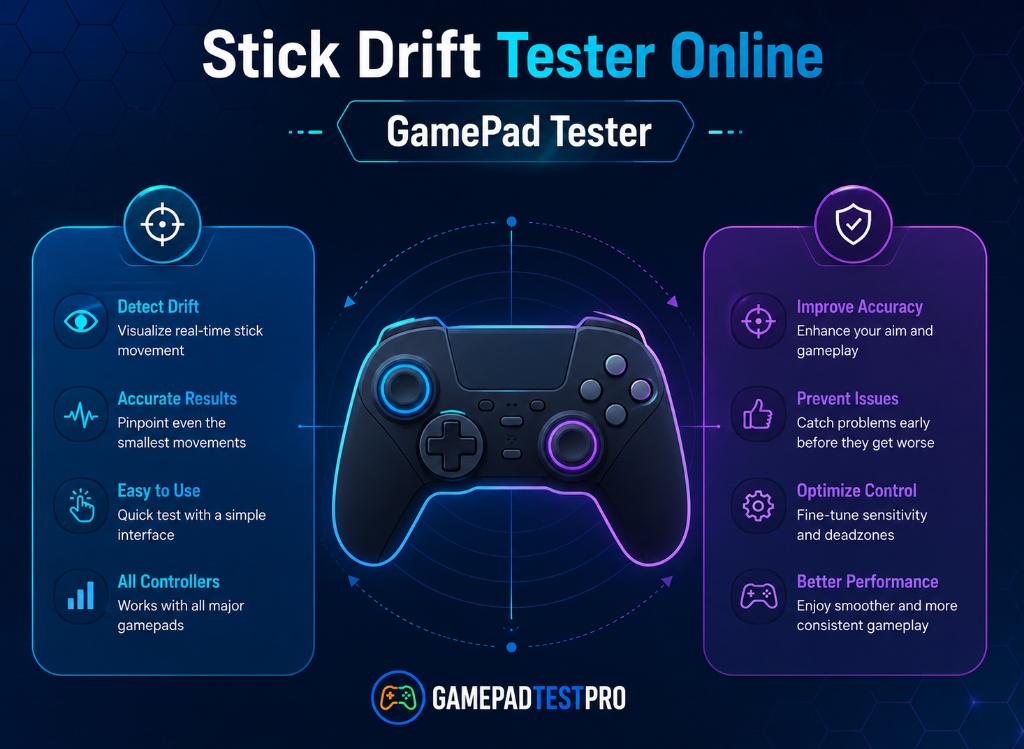
A stick drift test is a simple diagnostic tool that reads your controller's analog stick input and displays it on screen. The idea is straightforward: if the on-screen indicator moves while your joystick is sitting perfectly still, something is wrong. Instead of guessing whether you have a drift problem or assuming it is just the game, a tester gives you a clear visual answer within seconds.
Why Bother Testing?
Stick drift does not always announce itself loudly. It often starts small. A slight camera pull here, a character nudging forward there. Many players ignore it or adjust their playstyle around it without ever realizing the controller is the problem.
Testing early matters because drift usually gets worse over time, not better. Catching it early means you can try a simple fix like cleaning or recalibrating before it turns into a hardware issue. For competitive players especially, even minor drift can cost you accuracy and reaction time. You can also check your controller's polling rate to make sure inputs are being registered at full speed.
Common Signs of Stick Drift
You do not always need a tester to suspect drift. These are the most common signs to watch for:
- Your character walks or moves on its own when you are not touching the joystick.
- The game camera rotates slowly by itself, especially noticeable in first-person or third-person games.
- Your crosshair or aim gradually drifts off target without any input from you.
- The issue gets worse the longer you play or after the controller warms up.
If any of these sound familiar, running a stick drift test is the fastest way to confirm whether the controller is actually at fault.
How to Run the Test
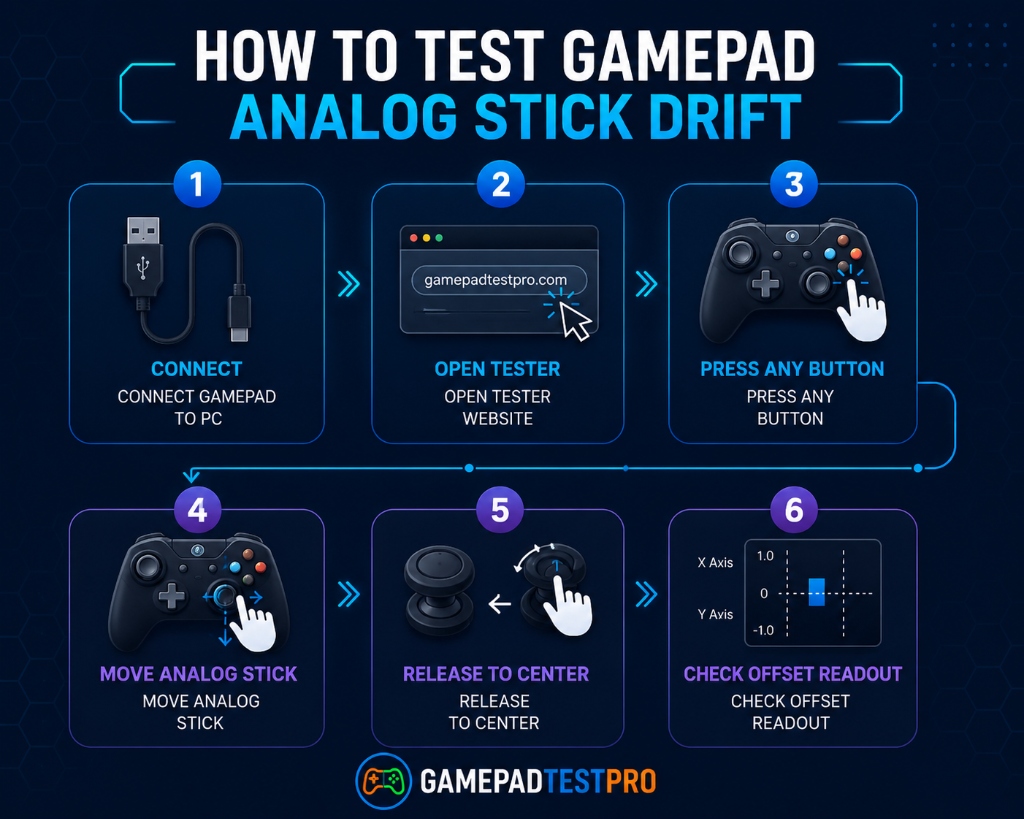
- Connect your controller via USB cable or Bluetooth. Your browser should detect it automatically.
- Press any button to confirm the controller is recognized.
- Open the stick drift tester and watch the on-screen indicator.
- Leave both sticks untouched for several seconds and observe whether the indicator stays centered.
- Move the sticks in all directions, then release them and check whether they return smoothly to center.
How to Read the Results
Everything Looks Normal
If the indicator sits perfectly still when you are not touching the stick and snaps cleanly back to center after each movement, your controller is in good shape. No action is needed.
Slight Drift Detected
If the indicator drifts a little but stays close to center, you likely have early-stage drift. This is a good sign because it is usually fixable. Try cleaning around the analog stick with compressed air or isopropyl alcohol, then re-run the test.
Significant or Constant Drift
If the indicator moves noticeably without any input, or if the stick fails to return to center after being released, the drift is more serious. This may require recalibration, a firmware update, or in some cases, hardware repair.
What Causes Stick Drift?
Dust and Debris
This is the most common cause. Dust, crumbs, and small particles work their way under the joystick cap and interfere with the sensors. It builds up gradually, which is why drift often develops slowly rather than appearing overnight.
Worn-Out Components
The potentiometers inside the analog stick module are mechanical parts. With heavy use over months or years, they wear down and lose accuracy. Once they degrade to a certain point, no amount of cleaning or calibration will fully fix the problem.
Calibration Errors
Sometimes the analog stick hardware is perfectly fine but the controller has lost track of where neutral position is. This is a software issue and is often one of the easiest to fix through recalibration.
What to Do After the Test
If the test confirms drift, here are the fixes to try in order from simplest to most involved:
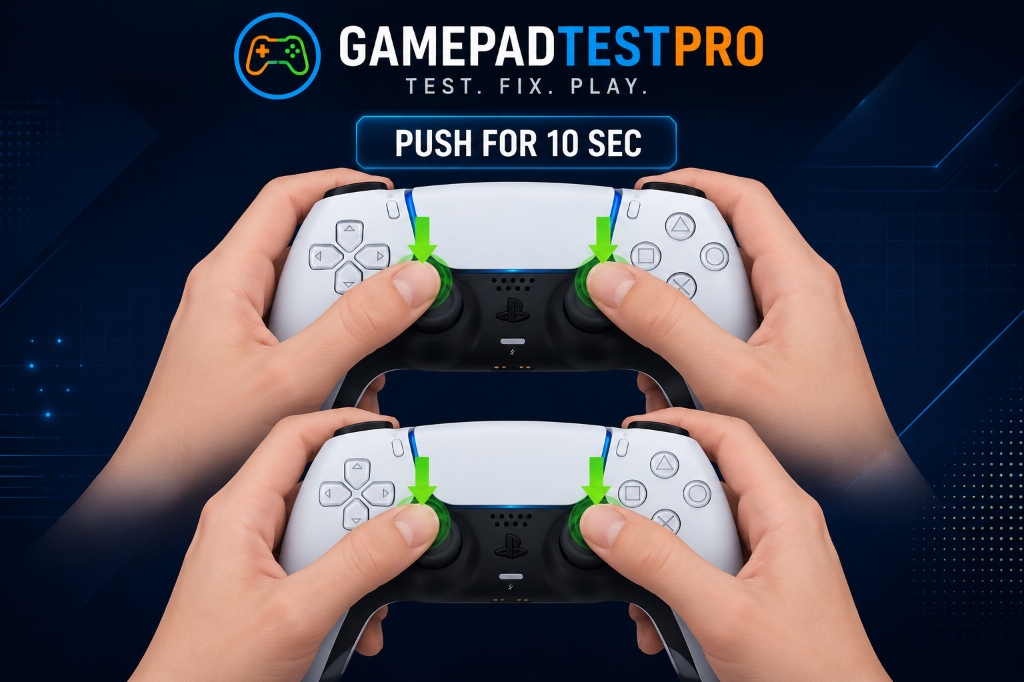
- Clean the analog stick. Use compressed air or a cotton swab with isopropyl alcohol around the base of the joystick. Let it dry fully before testing again.
- Reset the controller. A factory reset clears temporary software issues. PS5 users can press the reset button on the back with a paperclip. Xbox users can restart the console and re-pair.
- Update the firmware. Check for controller updates in your console settings. Manufacturers push fixes for input issues regularly.
- Recalibrate the stick. Use our controller calibration tool to reset the joystick's neutral position.
- Adjust the deadzone. If drift is minor, increasing the deadzone in your game settings can mask the problem while you decide on a permanent fix.
Which Controllers Can You Test?
The online stick drift tester works with most modern controllers including:
- PS5 DualSense — Check for analog drift and deadzone issues.
- Xbox Series X/S and Xbox One — Test joystick accuracy and input responsiveness.
- PS4 DualShock 4 — Identify analog stick problems before they get worse.
- Nintendo Switch Joy-Con — Joy-Con drift is a widely reported issue. The tester helps confirm whether yours are affected.
Frequently Asked Questions
Can a stick drift test detect all analog stick problems?
It can detect unwanted movement, deadzone abnormalities, and calibration issues. It will not diagnose every possible hardware fault, but it covers the most common problems that affect gameplay.
How accurate is an online tester?
Very accurate for detecting drift. The tester reads raw input data directly from your controller, so what you see on screen reflects exactly what signals the joystick is sending.
Can stick drift be fixed permanently?
Yes, in many cases. If the cause is dust or a calibration error, a thorough clean or recalibration can fix it for good. If the internal components have worn out, the only permanent solution is replacing the analog stick module.
Do I need to install anything?
No. The tester runs entirely in your browser. Just connect the controller and open the page.
Final Thoughts
Stick drift is frustrating, but it is also one of the more diagnosable controller problems. Rather than blaming the game or your skills, a quick test tells you within seconds whether your hardware is the issue. If drift is confirmed, start with the simple fixes. Cleaning and recalibrating solve the problem more often than people expect. And if those do not work, at least you know exactly what you are dealing with before spending money on repairs or a replacement.