Connect Your Controller
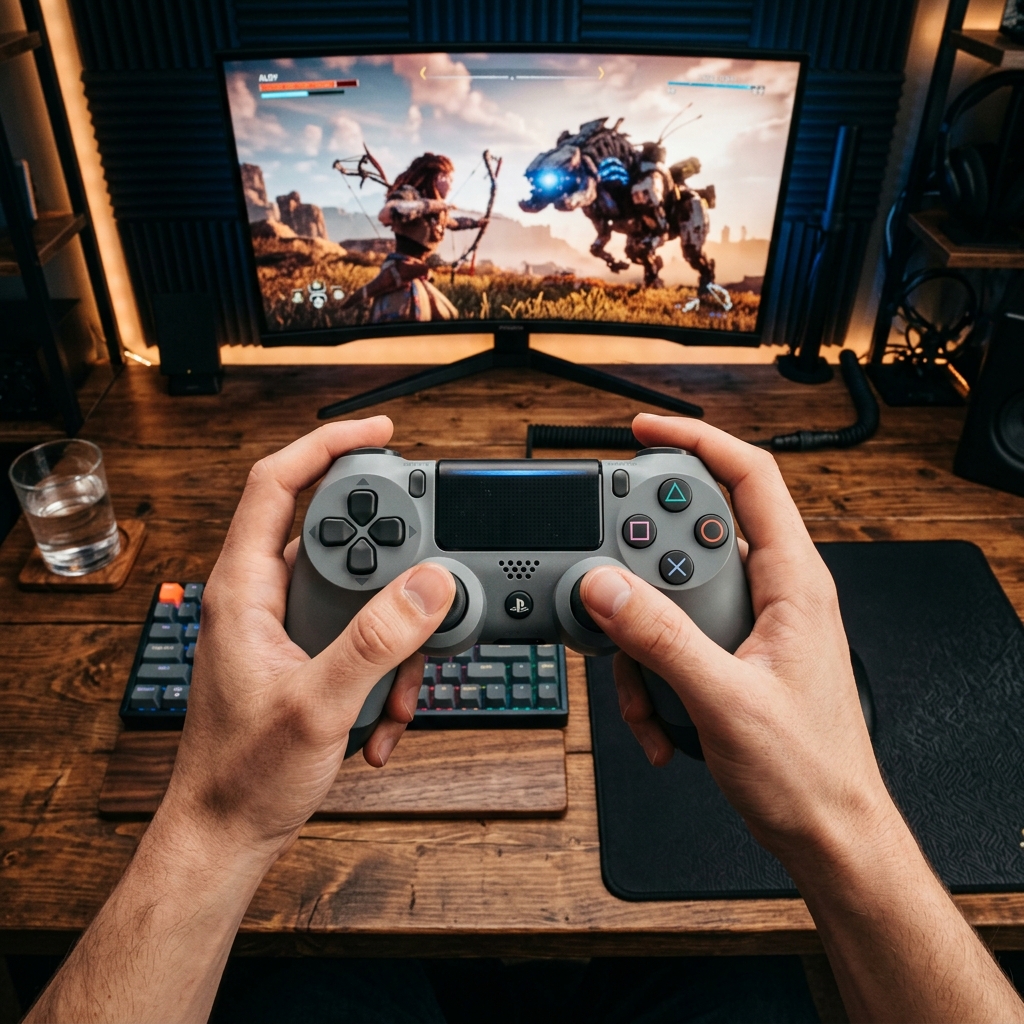
Plug in via USB or pair over Bluetooth, then press any button or move a stick.
Your Controller Talks to Your PC — This Is How Fast
Polling rate is how many times per second your controller sends input data to your computer, measured in Hertz (Hz). A higher number means less time between your physical action — pressing a button or moving a stick — and the game registering it.
Most controllers report between 125Hz and 1000Hz. The connection type matters most: USB wired connections are faster and more stable, while Bluetooth adds wireless convenience at the cost of some speed.
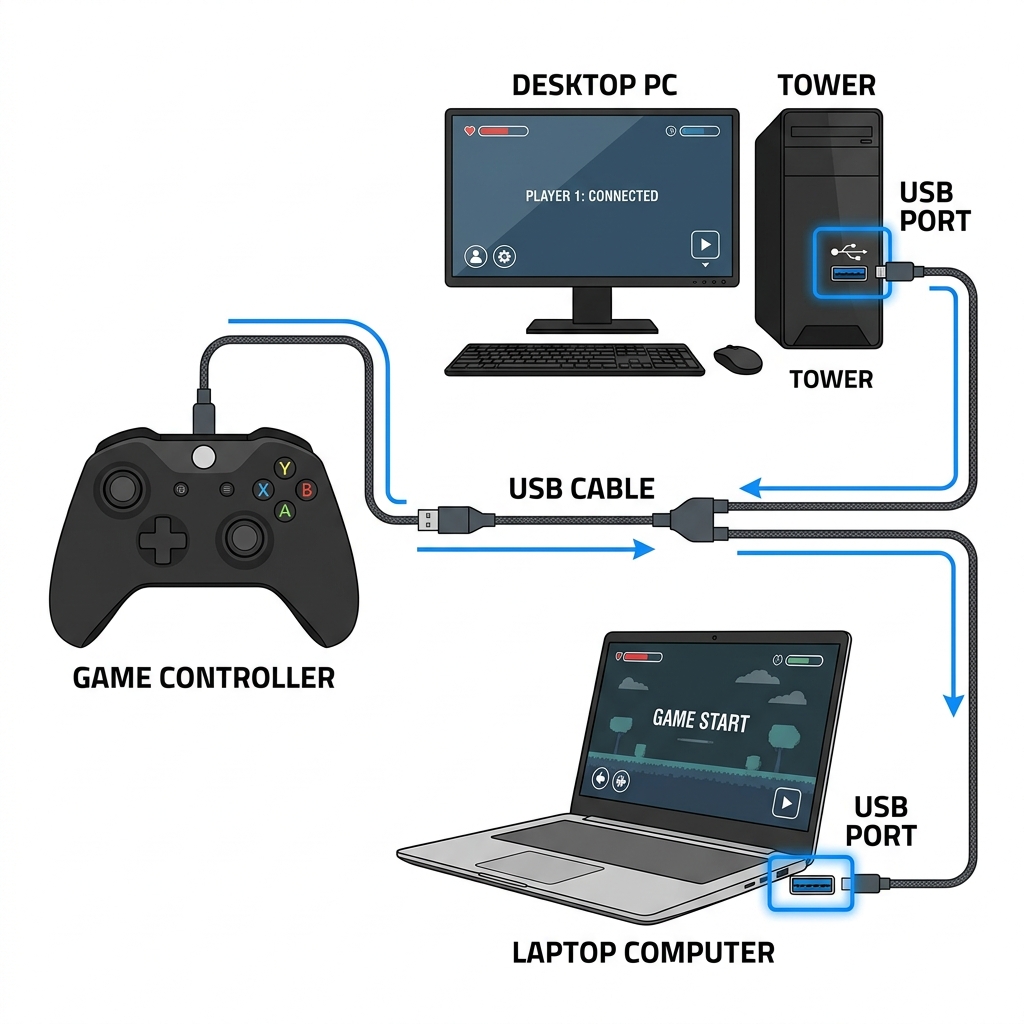
Three Steps. Ten Seconds. Done.
Connect Your Controller
Plug in via USB or pair over Bluetooth. The tool detects it instantly — no drivers or software needed.
Move Sticks or Press Buttons
A few seconds of continuous input gives the tool enough data to calculate an accurate polling rate.
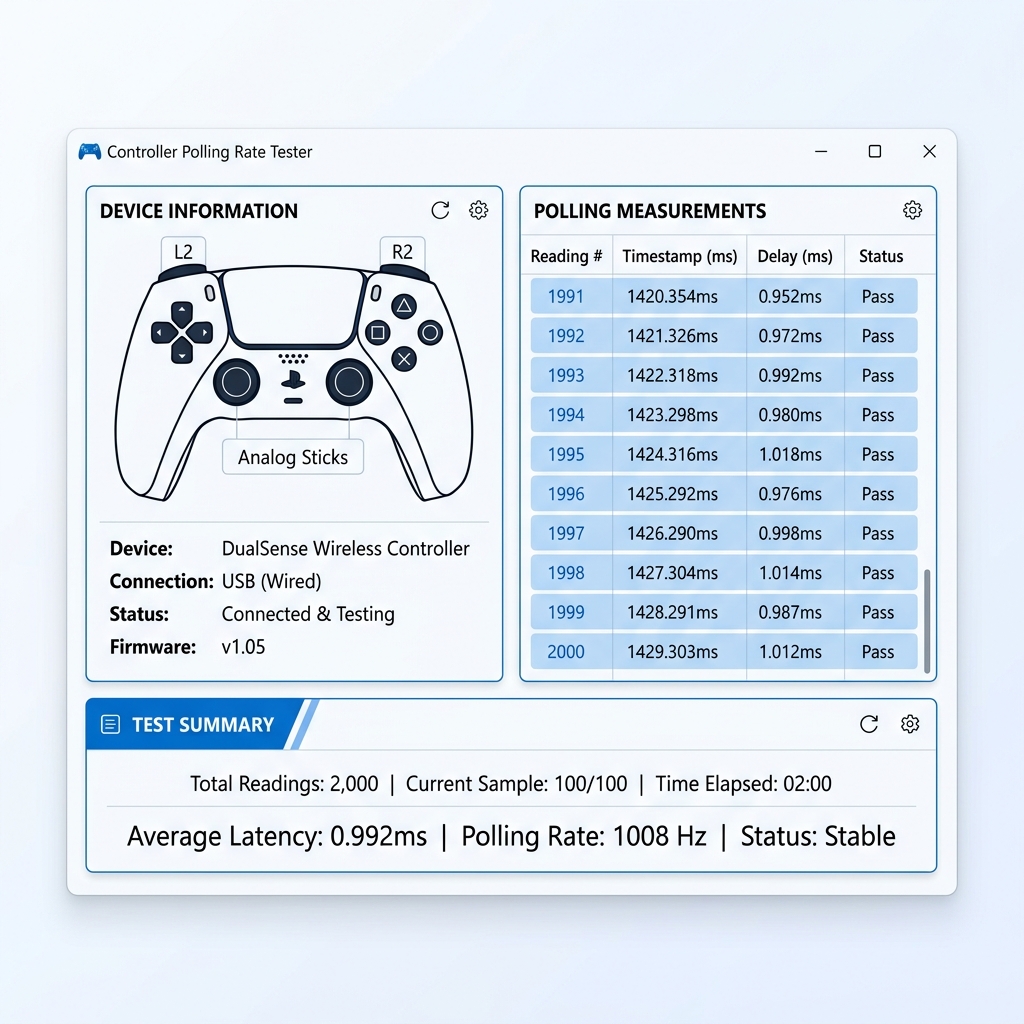
Read Your Live Results
Your Hz, peak rate, interval delay and a performance rating all appear in real time above.
What Your Hz Number Actually Means
125 Hz is the standard for Bluetooth controllers — perfectly fine for casual gaming. 250 Hz is common on wired controllers and noticeably smoother for everyday competitive play.
500 Hz gives a real edge in fast-reaction games. 1000 Hz is pro-grade — the maximum most hardware supports today, with updates arriving every 1ms.
The Connection Type Changes Everything
USB wired connections deliver faster, more stable polling rates because there is no wireless signal to interpret. Bluetooth is convenient but introduces variability — especially under interference from other nearby devices.
- Up to 1000 Hz polling rate
- Rock-solid stability — no signal drops
- Best for competitive and esports play
- Zero interference from other devices
- Typically 125–250 Hz polling rate
- Can dip under Wi-Fi or BT interference
- Fine for casual and single-player games
- Adds convenience at a small latency cost
Frequently Asked Questions
250 Hz and above works well for most games. Competitive players often target 500 Hz or higher, while 125 Hz is perfectly fine for casual play.
Generally yes — higher Hz means your inputs reach the game faster. The real-world difference shrinks above 500 Hz, but every millisecond matters in competitive titles.
Yes. Bluetooth protocols package and send data differently than USB, which typically results in a lower and slightly less stable polling rate. Switching to wired usually raises it significantly.
DualSense controllers typically run around 250 Hz over USB. This can vary slightly depending on your USB port and firmware version.
Xbox controllers generally report between 125 and 250 Hz, depending on the model and whether connected wired or wirelessly.
The browser needs a button press to register your controller. Connect it, press any button, and it will appear immediately. If not, try a different USB port or reconnect via Bluetooth.