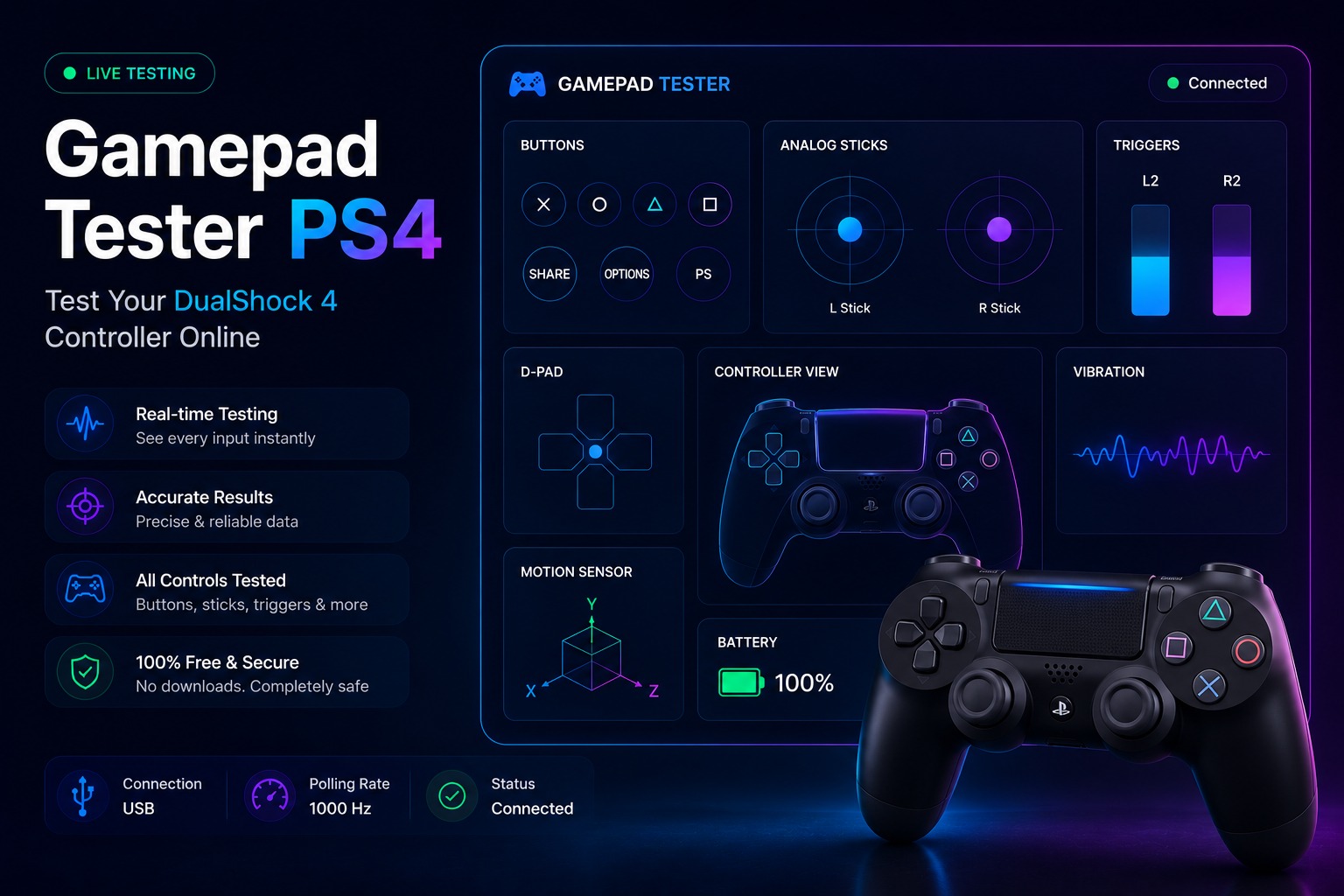
The DualShock 4 remains one of the most widely used controllers even years after the release of the PS5. Many players still use it for PlayStation gaming PC gaming and emulators which makes regular controller testing important.
After months of use controller performance can change without being immediately noticeable. Analog sticks may feel less accurate triggers may respond differently, or certain inputs may not register as expected.
A quick DualShock 4 test makes it easier to check how the controller responds and confirm that every major function is working properly.
Before testing your DualShock 4 visit our Gamepad Tester to quickly check buttons, analog sticks, triggers, vibration and other controller inputs online.
How to Test a PS4 Controller
Testing a DualShock 4 controller is a straightforward process and only requires a connected controller and a compatible testing tool.
Connect the DualShock 4 Controller
Connect the controller through USB or pair it using Bluetooth. Once the connection is established make sure the controller is recognized before starting the test.
Start the PS4 Controller Test
Open the tester and wait for the controller information to appear. A successful connection should display controller activity as soon as an input is detected.
Check Buttons Triggers and Sticks
Press each button, test both triggers and move the analog sticks across their full range of motion. Every input should respond accurately and match the action being performed.
Review the Test Results
Carefully review the displayed inputs and look for anything unusual. Delayed responses, incorrect inputs or inconsistent stick movement can indicate that a controller component is not performing as expected.
How to Test a PS4 Controller
Testing a DualShock 4 controller is a straightforward process and only requires a connected controller and a compatible testing tool.
Connect the DualShock 4 Controller
Connect the controller through USB or pair it using Bluetooth. Once the connection is established make sure the controller is recognized before starting the test.
Start the PS4 Controller Test
Open the tester and wait for the controller information to appear. A successful connection should display controller activity as soon as an input is detected.
Check Buttons, Triggers, and Sticks
Press each button, test both triggers and move the analog sticks across their full range of motion. Every input should respond accurately and match the action being performed.
Review the Test Results
Carefully review the displayed inputs and look for anything unusual. Delayed responses, incorrect inputs or inconsistent stick movement can indicate that a controller component is not performing as expected.
If you notice unusual joystick movement during testing, try our Stick Drift Tester to accurately detect analog stick drift and movement issues.
PS4 Controller Testing Features
A complete DualShock 4 test covers the controls that players use most often and provides a clearer picture of how the controller is performing.
Button Testing
Every face button, shoulder button and directional input can be checked individually to confirm that commands register correctly during use.
Analog Stick Testing
Analog stick testing displays movement patterns and input response making it easier to notice changes in accuracy or control.
Trigger Testing
The L2 and R2 triggers can be tested across their full range to verify that pressure inputs are detected consistently.
Touchpad Testing
The DualShock 4 touchpad is one of its most recognizable features. Testing the touchpad can confirm that touch gestures taps and surface inputs are responding correctly when used in supported games and applications.
Want to test your controller on a Windows computer? Read our Gamepad Tester PC guide for step-by-step instructions and compatibility tips.
Common PS4 Controller Problems
Years of regular use can affect different parts of a DualShock 4 controller. Identifying these issues early can prevent performance problems during gameplay.
Stick Drift
Stick drift can cause movement without any input from the player making aiming camera control or character movement less accurate than intended.
Touchpad Not Responding
A touchpad may stop responding because of wear, hardware faults or software-related issues. This can affect games and applications that rely on touchpad controls.
Trigger Problems
Triggers may become less responsive over time or fail to register input consistently, particularly after extended use.
Connection Issues
Intermittent disconnections, pairing problems or unstable wireless performance can interrupt controller communication and affect the overall experience.
Gamepad Tester PS4 Controller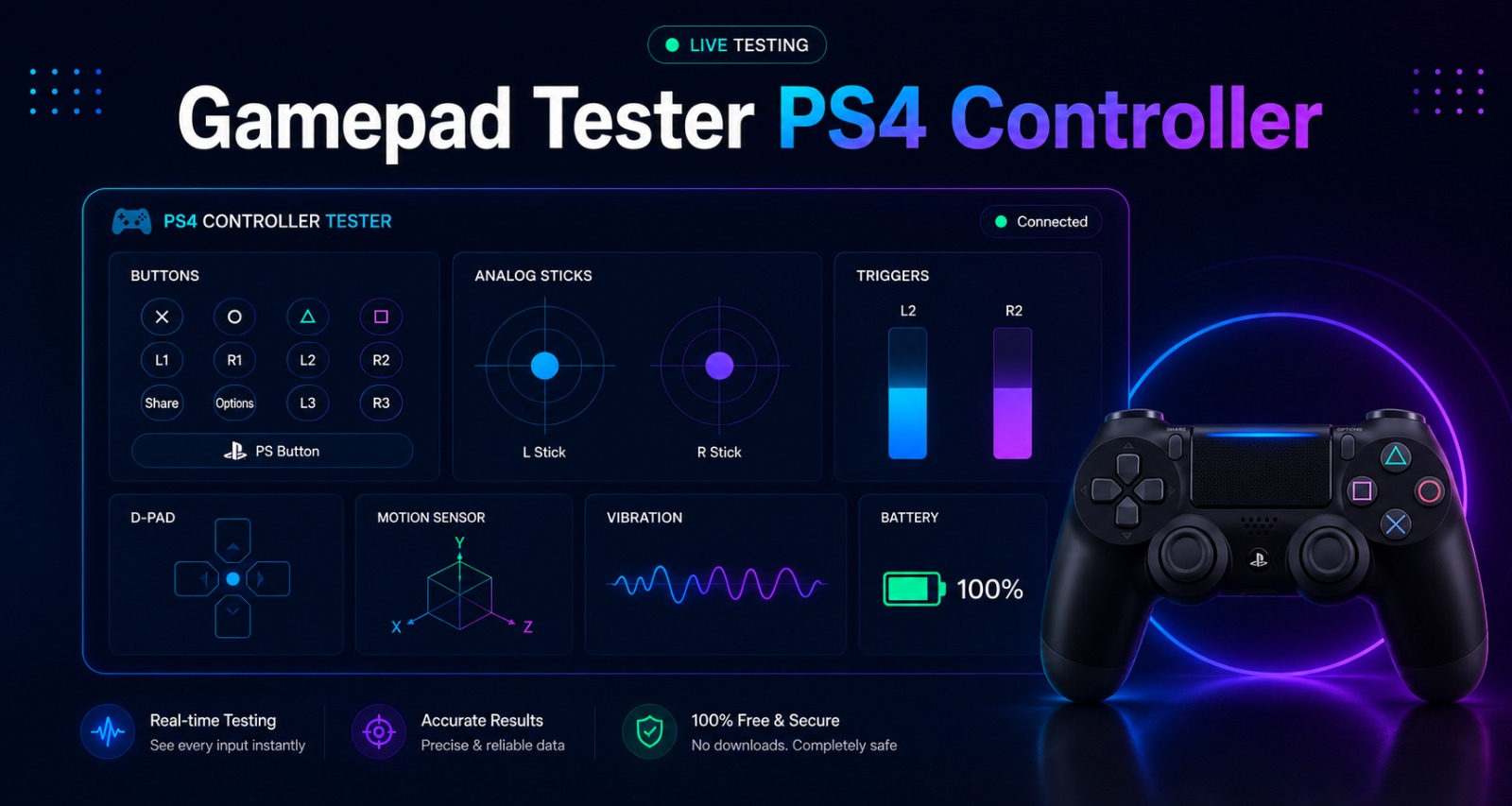
A gamepad tester PS4 controller check makes it easier to verify how a DualShock 4 responds during use. Instead of relying on a game you can check individual inputs and confirm that controller functions are working correctly.
This is especially useful when testing a used controller, checking a controller after a repair or verifying input response before regular use.
When Should You Test a PS4 Controller?
Testing a DualShock 4 controller is useful whenever its performance starts feeling different than usual. Small input issues are often easier to notice during a test than during normal gameplay.
A controller test is also worth running before buying a used controller after replacing parts, or when setting up the controller for a new device or application.
After checking your controller inputs, use our Vibration Test to confirm that both rumble motors are working correctly.
Frequently Asked Questions
Can I Test a PS4 Controller on PC?
Yes a DualShock 4 controller can be tested on a PC through USB or Bluetooth after the device is connected successfully.
Does the PS4 Touchpad Work During Testing?
If the testing tool supports touchpad input detection touchpad actions can be checked during the test.
Why Is My PS4 Controller Not Detected?
This can happen because of connection issues, pairing problems, outdated drivers or unsupported hardware.
Can I Check Stick Drift on a PS4 Controller?
Yes, analog stick movement can be monitored during testing, making unwanted inputs easier to identify.
Is PS4 Controller Testing Free?
Most online controller testing tools are available free of charge and can be used without installing additional software.
Final Thoughts
The DualShock 4 remains a popular controller for PlayStation consoles, PCs, and emulators, which makes occasional testing worthwhile. A quick controller check can provide a clearer view of how different inputs are responding and whether the controller is performing as expected.
Whether the controller is used daily or only from time to time testing it periodically can help ensure a more consistent gaming experience and greater confidence in its overall condition.
Meta description Use a Gamepad Tester PS4 tool to test DualShock 4 buttons, sticks, triggers and touchpad inputs. Fast, simple and free online testing.