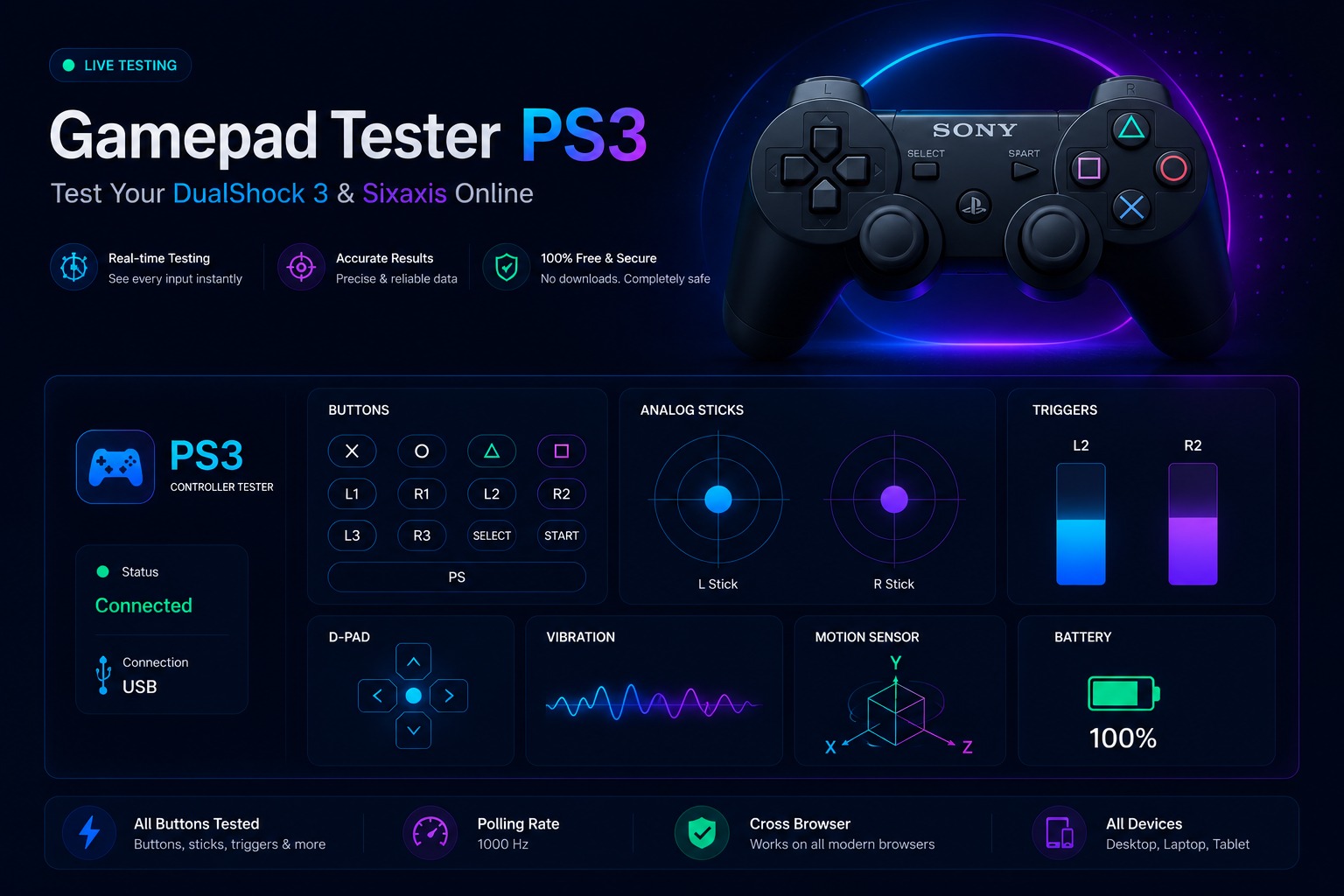
If your PlayStation 3 controller isn't responding properly, testing it is the quickest way to find the problem. A PS3 gamepad tester shows your controller's button presses and stick movements in real time making it easy to check whether everything is working as expected.
Instead of guessing you can quickly identify issues like stick drift, unresponsive buttons or input problems.This guide explains how to connect your PS3 controller, test both DualShock 3 and Sixaxis models and understand your results so you can decide whether your controller needs cleaning, repair or replacement.
Before checking every controller input, try our Calibration Tool to make sure your analog sticks and triggers are responding as accurately as possible.
What Is a PS3 Gamepad Tester?
A PS3 gamepad tester is a browser-based tool that checks your controller inputs in real time. It displays button presses analog stick movement trigger response and vibration support making it easy to see whether your controller is working correctly.
You simply connect your controller, open the tester and the results appear instantly without installing extra software.Testing is especially useful for older PS3 controllers because years of use can affect their performance.
A gamepad tester helps you spot common problems such as stick drift, unresponsive buttons or inaccurate stick movement before they start affecting your gameplay.
Getting Connected USB Bluetooth & Emulator Setup
USB Is the Simplest Way to Get Started
Connect your PS3 controller to your computer using a mini-USB cable. Most systems detect it automatically so you can start testing right away without installing anything. If you want to test vibration a USB connection is the most reliable choice because browser support works best over a wired connection.
Why Bluetooth Pairing Can Be Difficult
Bluetooth setup on a PS3 controller is different from newer controllers. Before it can connect to a computer wirelessly it usually needs to be paired with a PlayStation 3 console at least once. If that has never been done your computer may not detect the controller over Bluetooth. In that case using a USB cable is the easiest and most reliable option.
Using It With RPCS3
If you use the RPCS3 emulator, it's a good idea to test your controller in a browser first. This helps you confirm that the controller is working correctly before checking the emulator settings. If the controller works in the tester but not in RPCS3 the problem is most likely with the emulator configuration rather than the controller itself.
Sixaxis or DualShock 3? Know Which Controller You Have
The PS3 has two official controllers: Sixaxis and DualShock 3. Knowing which one you have is important because some features work differently during testing.
Vibration Support
The Sixaxis controller does not support vibration while the DualShock 3 includes rumble feedback. If a vibration test shows no response first check which controller model you are using. If it's a Sixaxis controller this is completely normal and not a fault.
Running the Full Diagnostic
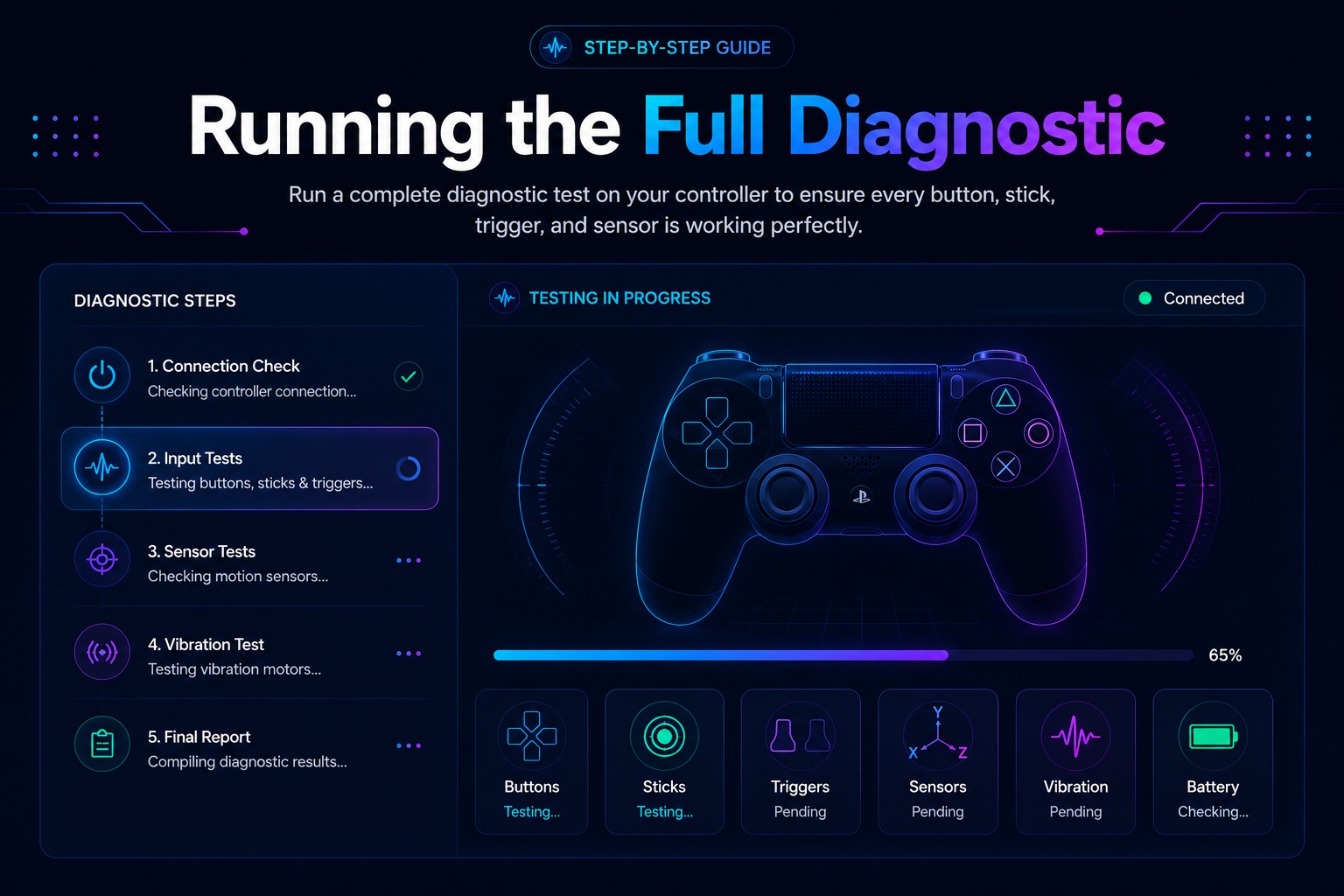
After connecting your controller test each feature one by one. Checking every input separately makes it easier to find problems and understand which part of the controller is not working properly.
Buttons and D-Pad
Press each face button, shoulder button, and D-pad direction one at a time. Every button should respond immediately on the screen. If a button reacts slowly or does not register every press, it may need cleaning or repair.
Analog Sticks
Move both analog sticks in every direction and then release them. They should return close to the center without unexpected movement. Watch the on-screen indicator carefully because uneven or shaky movement can be a sign of wear or dirt inside the stick.
Checking for Stick Drift
Leave both sticks untouched and watch the tester. If the indicator moves on its own, your controller may have stick drift. A very small movement near the center is usually normal, but noticeable movement without touching the stick should be fixed before it affects your gameplay.
Rumble Feedback (DualShock 3 Only)
Run the vibration test and make sure both rumble motors respond. If only one motor works the controller can still function but the vibration system may need repair.
If you're using a newer PlayStation controller, you can also read our Gamepad Tester PS4 guide to learn how to test DualShock 4 features online.
When Something's Wrong: Common PS3 Controller Fixes
Controller Not Detected
If your PS3 controller is not detected first check the USB cable. Some mini-USB cables only provide power and cannot transfer data. Try another cable or USB port before assuming the controller is faulty. If you are using Bluetooth make sure the controller has been paired with a PlayStation 3 console at least once because this is required for many PC connections.
Stick Drift
Stick drift is common on older PS3 controllers. Start by cleaning around the analog stick with compressed air to remove dust. If the problem continues, clean the stick carefully with isopropyl alcohol. When drift still does not go away the analog stick may be worn out and replacing the stick module is usually the best solution.
Dead or Sticky Buttons
Buttons can become unresponsive after years of use because dust and worn rubber contacts affect their performance. Cleaning the contact points fixes many controllers but if a button still does not respond replacing the rubber pad is often necessary.
Buying a Used PS3 Controller? Check These Things First
If you are buying a second-hand PS3 controller take a few minutes to test it before making a decision.
-
Confirm whether it is a Sixaxis or DualShock 3 controller.
-
Test every button and both analog sticks.
-
Check for stick drift and smooth stick movement.
-
If it is a DualShock 3 make sure both vibration motors work.
-
Ask if the controller has been paired with a PlayStation 3 console before using Bluetooth on a PC.
A quick test can help you avoid buying a controller that looks good but has hidden problems.
Looking to test a different gaming device? Our Steering Wheel Test lets you check racing wheel inputs directly in your browser.
Testing Across Devices
Windows
Windows is the easiest platform for testing a PS3 controller. Most systems detect a USB connection automatically without installing extra drivers. Bluetooth also works if the controller has already been paired with a PlayStation 3 console.
Mac
You can test a PS3 controller on macOS using a USB cable without any extra setup. Bluetooth support may vary between macOS versions so a wired connection is usually the more reliable option.
Android (OTG)
You can connect a PS3 controller to an Android phone or tablet with an OTG adapter and a USB cable. Most modern browsers can detect the controller for testing. If you want to use Bluetooth the controller should already be paired with a PlayStation 3 console.
If you also play fighting games, use our Fight Stick Test to verify arcade stick buttons, joystick movement, and input response.
Frequently Asked Questions
Does a PS3 controller work over Bluetooth on a PC?
Yes, but the controller usually needs to be paired with a PlayStation 3 console first. If Bluetooth does not work use a USB connection for reliable testing.
What's the difference between Sixaxis and DualShock 3?
The main difference is vibration support. Sixaxis does not include rumble while DualShock 3 supports vibration.
Do I need to install any drivers?
No. Most browser-based gamepad testers work without installing extra drivers when your controller is detected correctly.
Can I test my controller while using RPCS3?
Yes. Test the controller in your browser first to make sure it is working properly before checking the RPCS3 settings.
Is a small amount of stick drift normal?
Yes. A very small movement near the center is normal and is usually ignored by most games. If the stick moves noticeably without touching it your controller may have stick drift.
Final Thoughts
A quick test can save you a lot of time when your PS3 controller starts behaving unexpectedly. Instead of guessing what's wrong, you can check every button, analog stick, and vibration feature in just a few minutes to identify the real problem.
Whether you're using a DualShock 3 or Sixaxis controller testing it before cleaning, repairing, or replacing any parts is always a smart first step. Once you know what's working and what isn't, fixing the controller becomes much easier.